Trade Smarter with
MasstTrader
7-node AI agent that scans markets, detects regimes, generates signals,
manages risk, and executes trades — fully autonomous, 24/7.
7
Agent Nodes
24/7
Autonomous
MT5
+ Binance/Bybit
Free
Groq AI
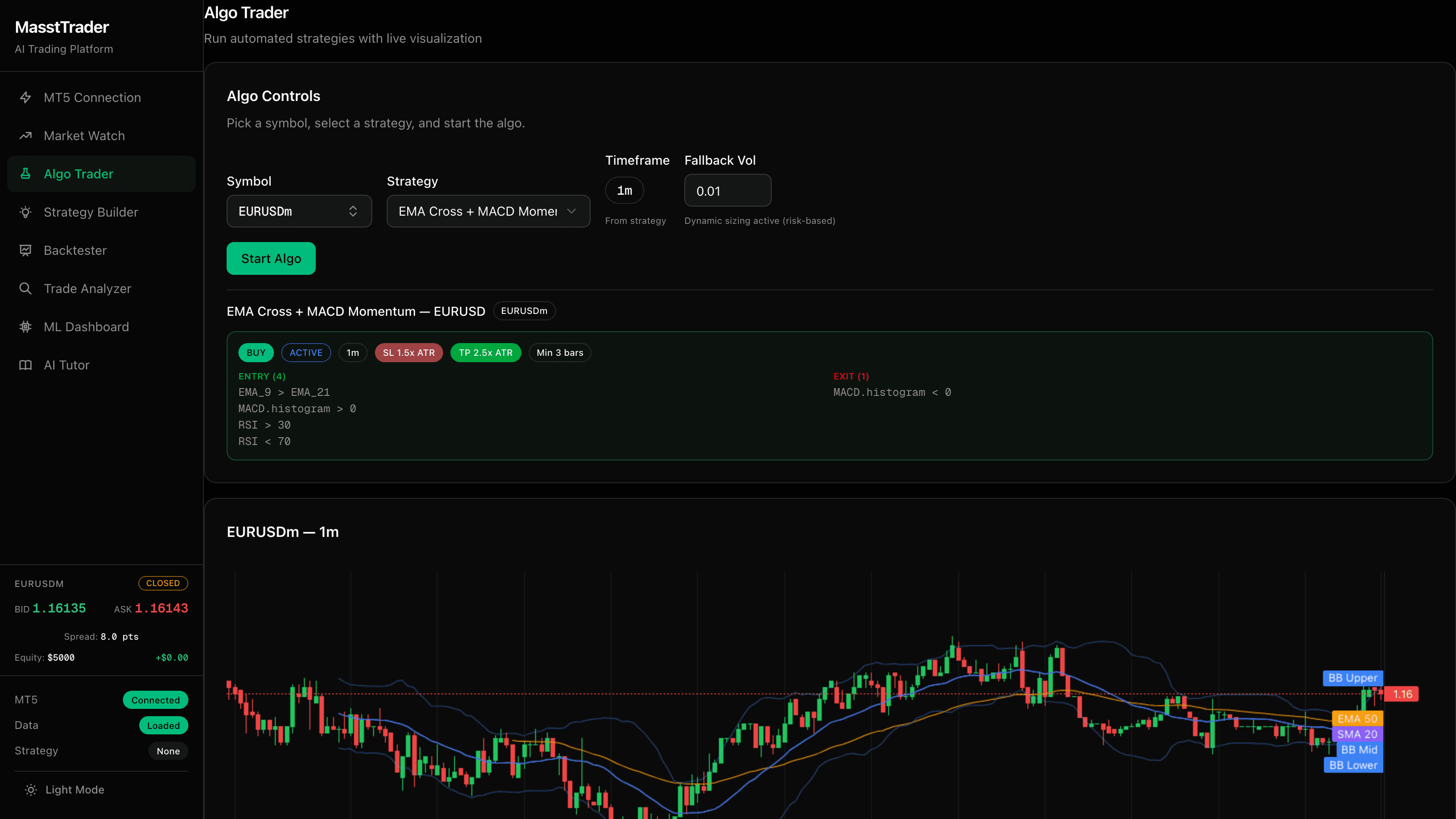
How It Works
From connection to coaching in five steps
Connect
Link your MT5 broker account
Describe
Write your strategy in plain English
Backtest
Test on real historical data
Trade
ML-filtered algo trading
Learn
ML dashboard + AI coaching
Platform Features
Everything you need to learn, test, and execute trading strategies
Architecture
Autonomous AI agent with 7-node decision pipeline
Frontend
Next.js 16 + TypeScript + Vercel
FastAPI Backend · Azure Windows VM · :8008
V1 API
Strategy, Backtest, Algo
V2 Agent API
Start, Stop, Status
AI Service
Groq / Llama 3.3 70B
ML Layer
XGBoost + LSTM
MT5 Connector
Native IPC
CCXT Feed
Binance + Bybit
Indicators
20+ via ta lib
V2 Autonomous Agent
MT5 Terminal
Exness (Gold, Forex)
Binance / Bybit
BTC/USDT
Groq Cloud
LLM Inference
SQLite
Trades, Cycles, Stats